Logo Design Lessons from the 1990s Game Era
The 1990s and early 2000s were a golden era for logo design experimentation. Before brand guidelines became gospel and minimalism dominated every pitch deck, designers were pushing Illustrator and Photoshop to their limits — creating logos that were loud, dimensional, and unapologetically expressive. Studying these archives reveals techniques that remain surprisingly useful for any business logo today.
Why Retro Game Logos Are a Design School
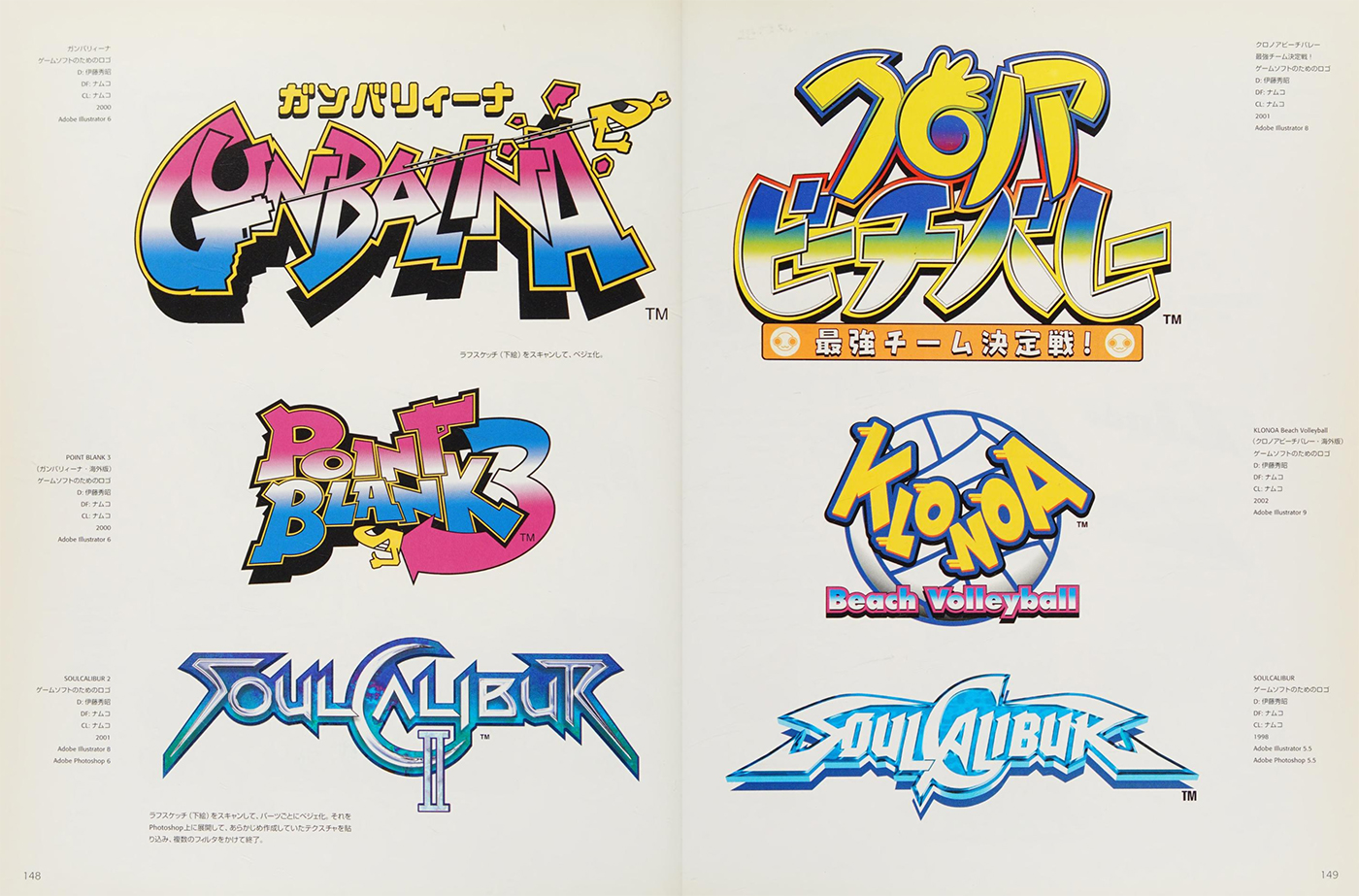
Video game logos from this era had a unique constraint: they had to communicate instantly on a shelf, in a magazine ad, and on a television screen at low resolution — all at once. That's not so different from a small business logo that needs to work on a storefront sign, a business card, and a mobile browser favicon.
The designers working on these projects — mostly in Japan, using tools like Strata Studio Pro, KPT Vector Effects, and 3D Studio Max alongside Illustrator — were solving real visual communication problems under serious technical constraints.
Here's what they got right, and how you can apply it.
Technique 1: Extrusion Creates Instant Hierarchy
One of the most common techniques in 90s logo design was dimensional extrusion — giving letterforms a sense of depth by adding a shadow offset or a 3D beveled edge.
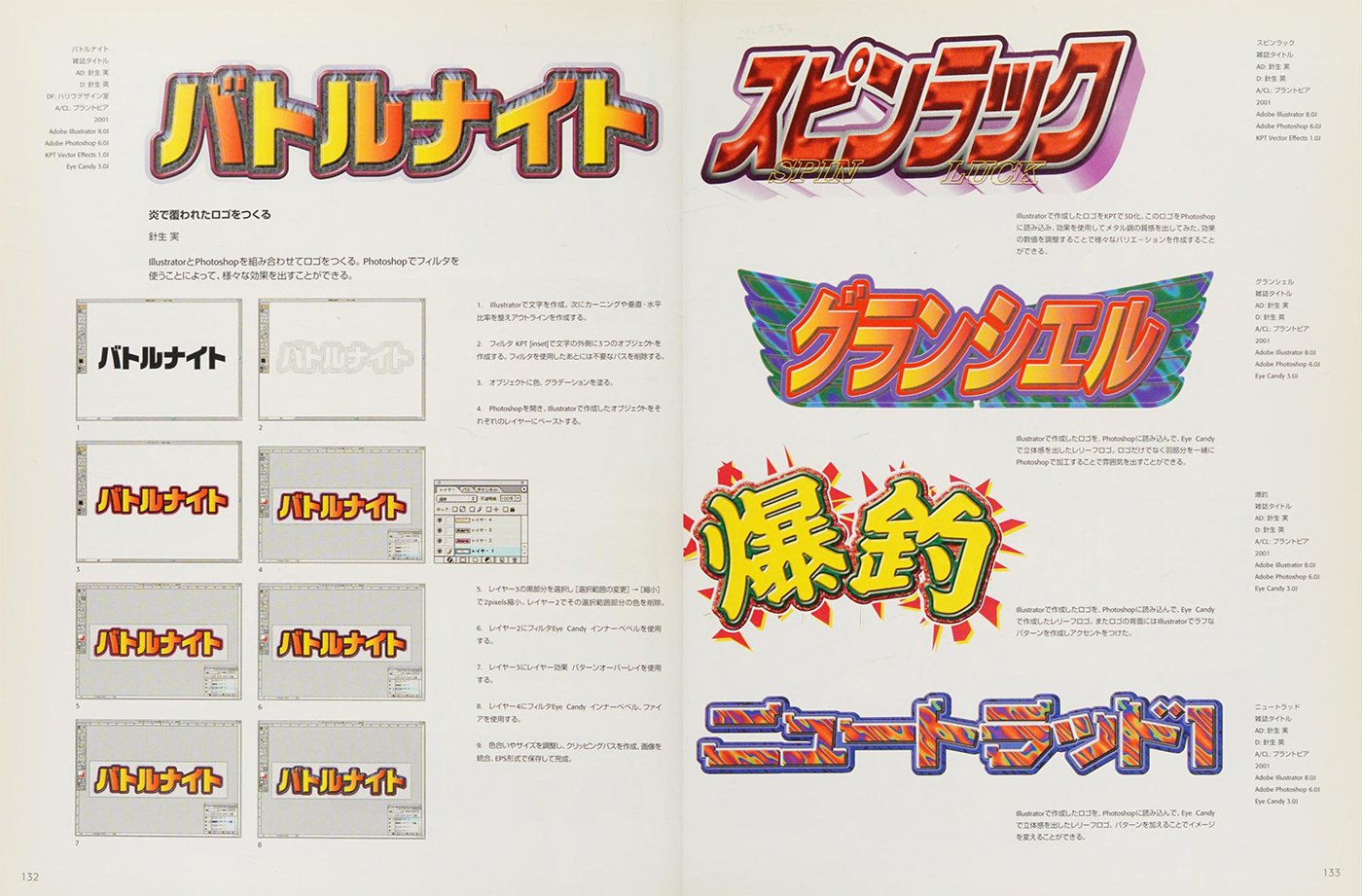
This wasn't just stylistic. Extrusion serves a functional purpose: it separates the primary text from the background without relying solely on color contrast. When a logo needs to sit on varied backgrounds — packaging, merchandise, dark or light surfaces — dimensional treatment gives the letterforms self-contained visibility.
For small business logos today, a subtle drop shadow or layered text effect can achieve the same result. The key is consistency: extrusion angle and depth should remain identical across all letterforms in a wordmark. Even a 2-degree difference between letters will look like a mistake rather than a choice.
Technique 2: Color Gradients as Focal Points
Before flat design flattened everything, gradients were used with deliberate intent. The best logos from this era used gradient transitions to direct the eye toward a focal point — typically the center of a letterform or the key icon element.
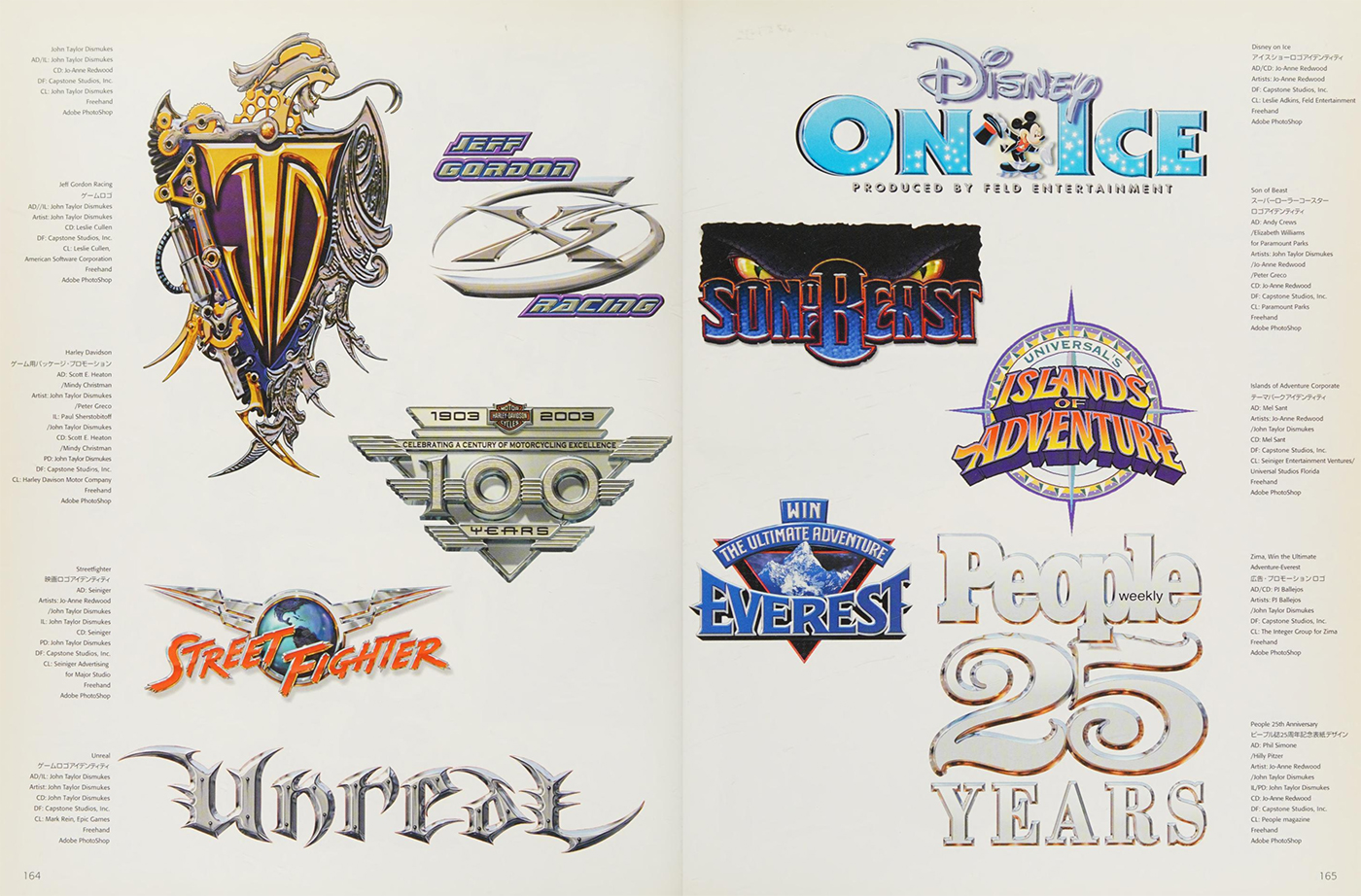
The technique works because human vision instinctively tracks from light to dark. A gradient that moves from bright yellow at the top to deep orange at the bottom of a letterform creates the perception of a light source — which makes flat shapes feel physically present.
For practical application: if you're using a gradient in a logo, commit to a single light source direction and apply it consistently. A gradient angled at 45 degrees on one element should be 45 degrees on every element. Inconsistent light angles are the most common way gradients make logos look amateurish.
Technique 3: Outline Stacking for Color Separation
Many 90s game logos used multiple concentric outlines around letterforms — a white outline, then a dark outline, then a colored fill. This technique solves a specific problem: making text legible against unknown backgrounds.
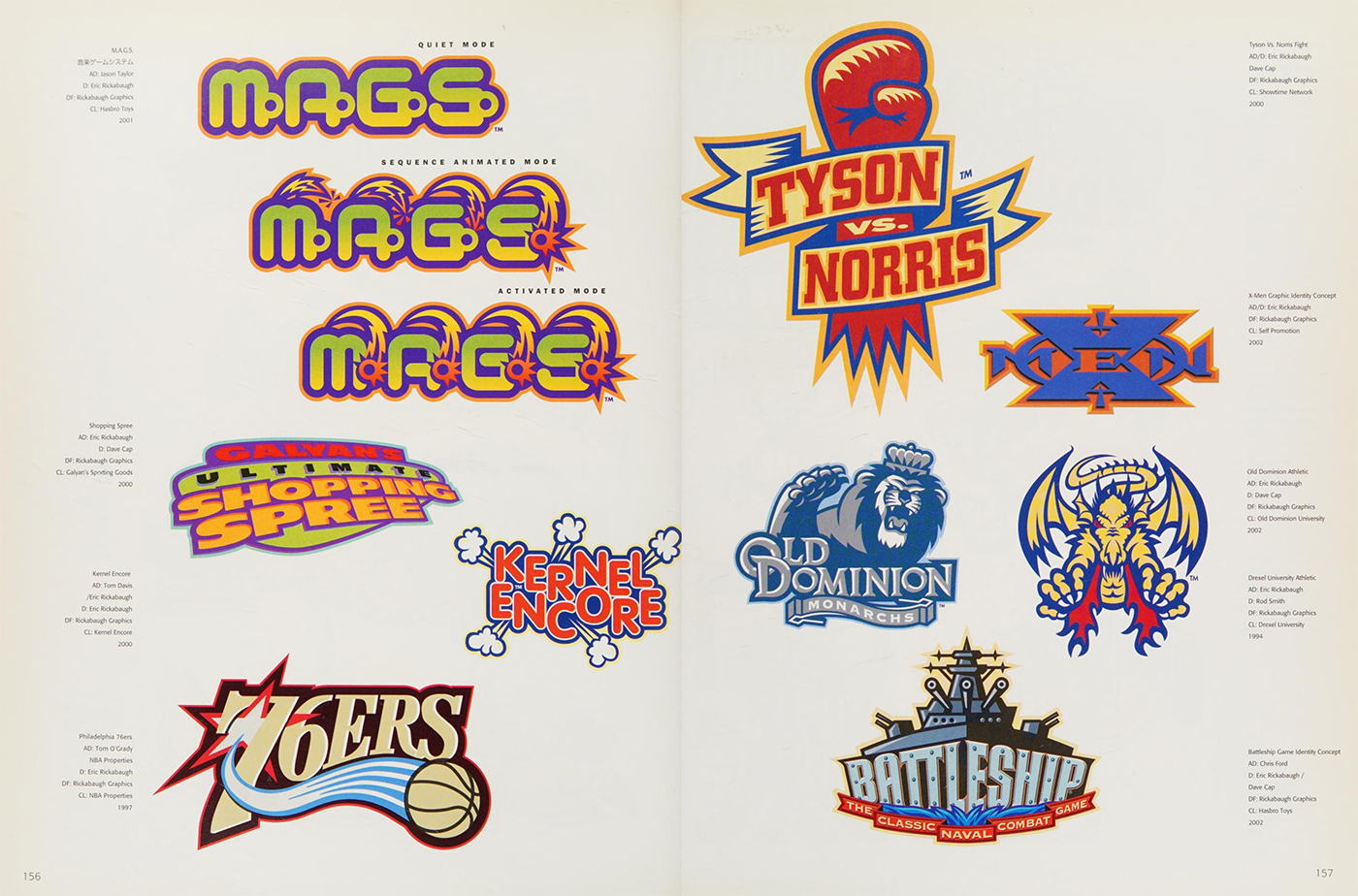
The stacking order matters: the innermost outline should be the lightest value, with progressively darker outlines moving outward. This creates a natural buffer between the letterform's fill color and whatever background it sits against.
This technique is directly applicable to any logo that will appear on merchandise, social media profile images, or environmental signage where the background color isn't controlled. A 2pt white outline inside a 1pt dark outline adds almost no visual weight while dramatically improving versatility.
Technique 4: Custom Letterform Modification
The most durable lesson from this archive is that the best logos modify their letterforms rather than just selecting a font. Designers stretched, compressed, linked, and distorted standard typefaces until the letters became unique marks.
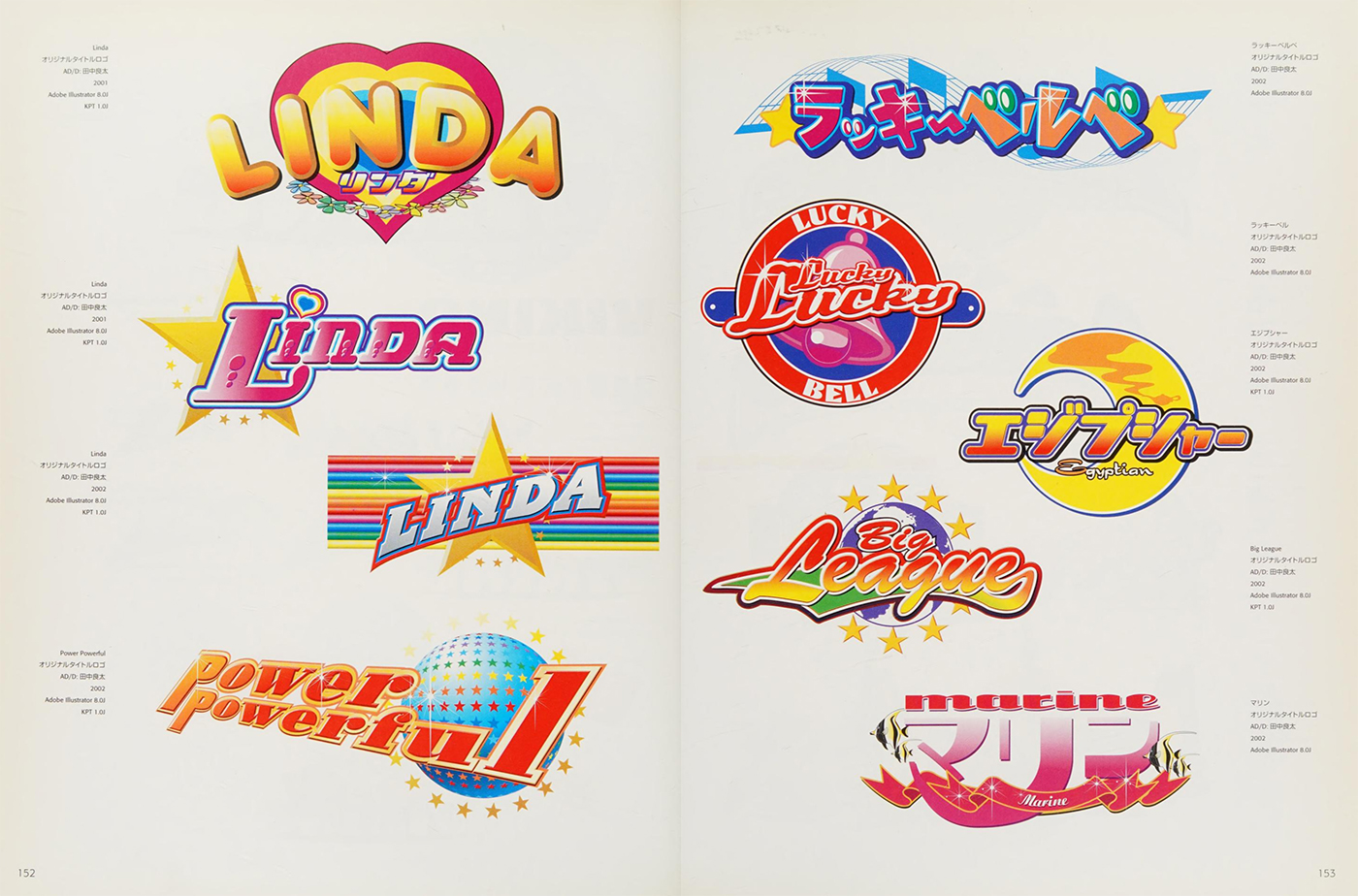
Common modifications worth understanding:
- Ligatures: connecting adjacent letters at shared strokes to create visual unity. An "f" and "i" that share a horizontal bar read as a single designed unit rather than two generic glyphs.
- Baseline variation: deliberately raising or lowering specific letters creates rhythm and energy without changing the typeface itself.
- Width compression: condensing letterforms horizontally creates a sense of speed and forward momentum — particularly effective for brand names that need to feel active rather than static.
For small business owners commissioning logos: ask specifically whether the designer is modifying letterforms or just selecting a font. The difference in ownership and uniqueness is significant.
Technique 5: The Power of Contained Composition
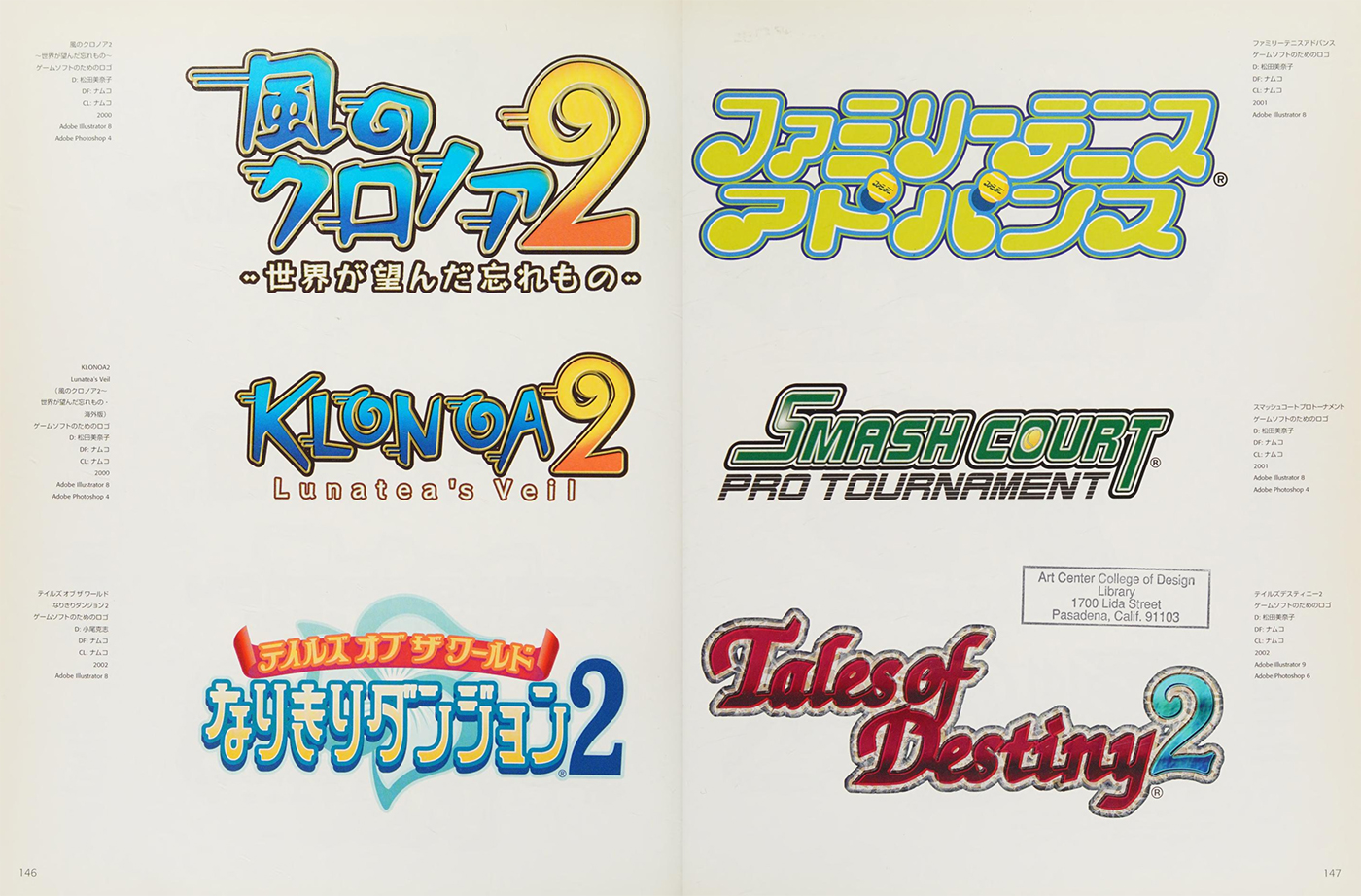
Game logos from this era were almost always contained within an invisible bounding shape — usually a horizontal rectangle or a stacked square format. Strong containment makes logos more versatile because they occupy a predictable space in any layout.
The practical rule: draw a tight bounding box around your logo and check the aspect ratio. A ratio between 1:1 and 3:1 (width to height) works in almost every application. Logos with extreme aspect ratios — very wide and flat, or very tall and narrow — create layout problems everywhere they're used.
What Changed, and What Didn't
Today's logo design has largely moved away from dimensional effects, heavy gradients, and outline stacking in favor of single-weight marks that work in monochrome. That shift makes sense for digital-first brands, but it doesn't mean the underlying techniques are obsolete.
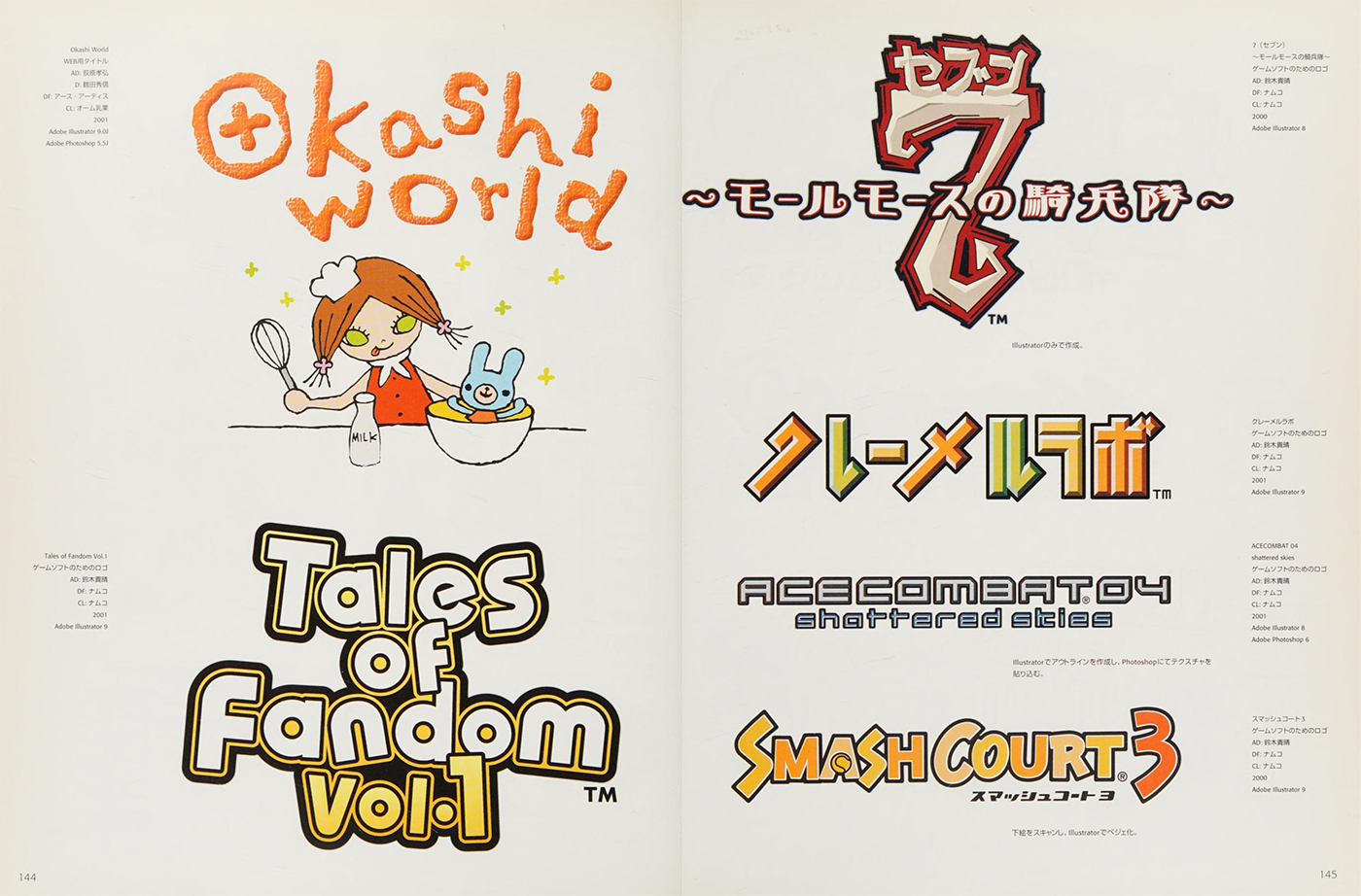
The core problems these techniques solved — legibility across backgrounds, hierarchy without complexity, visual energy within containment — still exist for every small business designing a logo today.
The difference is execution. Where 90s designers applied extrusion literally, contemporary design applies the same principle through subtle weight variation. Where gradients once created focal points through color temperature shift, modern logos use negative space to achieve the same directional pull.
Applying These Lessons to Your Business Logo
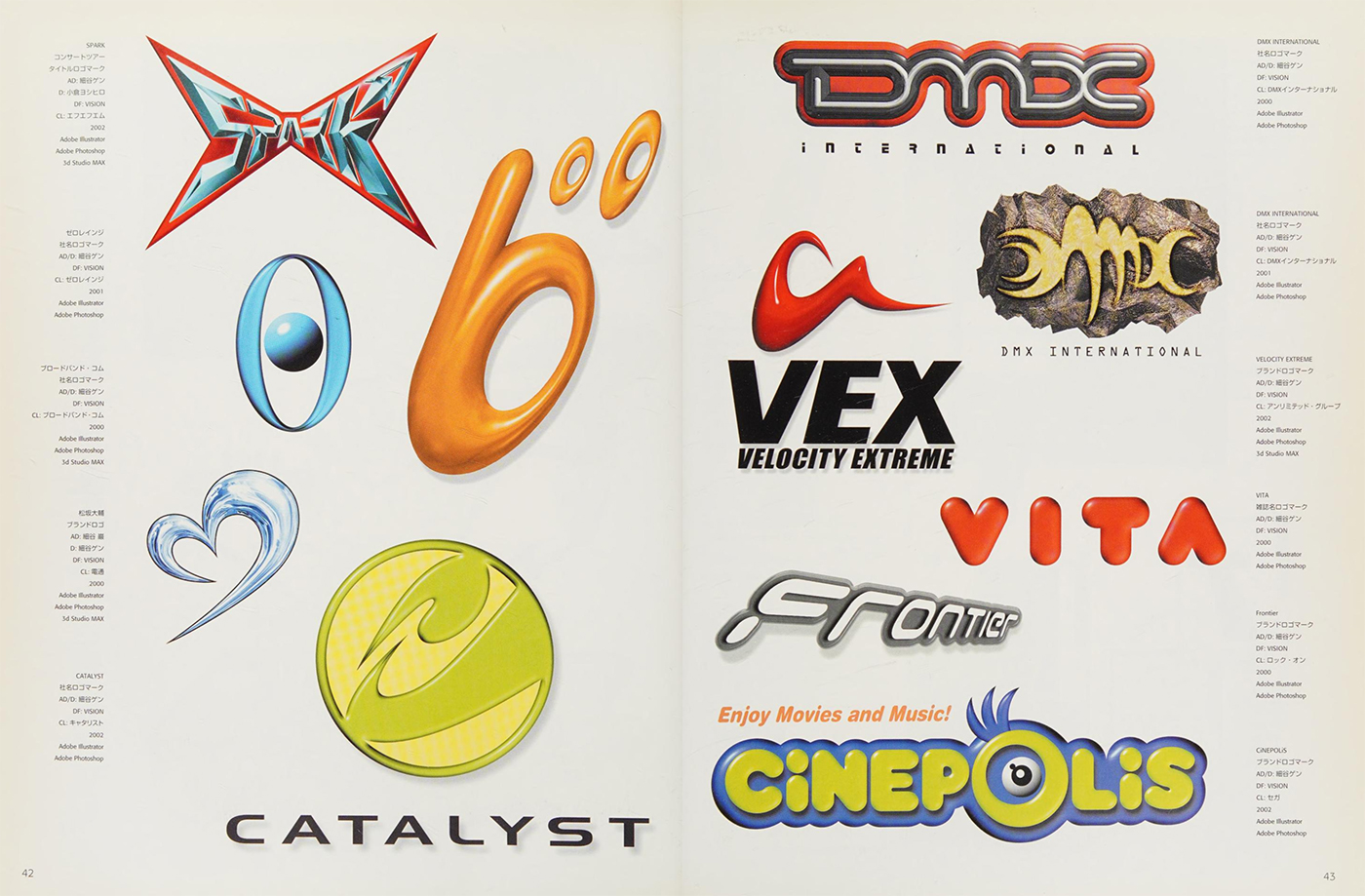
If you're working with a designer or evaluating logo concepts, here's a practical checklist derived from what made these 90s logos effective:
Legibility test: Cover everything except the logo at thumbnail size (roughly 32x32 pixels). If you can still read the brand name, the typography is working. If it's illegible, the letterforms need to be bolder or the composition needs simplification.
Background versatility test: Place the logo on white, black, and a mid-tone color. If it loses legibility on any of these, it needs either an outline treatment or a contained badge version.
Single focal point: Identify the one element in the logo that your eye goes to first. If you can't identify it in under two seconds, the hierarchy is unclear.
Contained format: Check that the logo fits cleanly within a 1:1 or 3:1 bounding box. If it doesn't, you'll need a secondary "compact" version for social profiles and favicons.
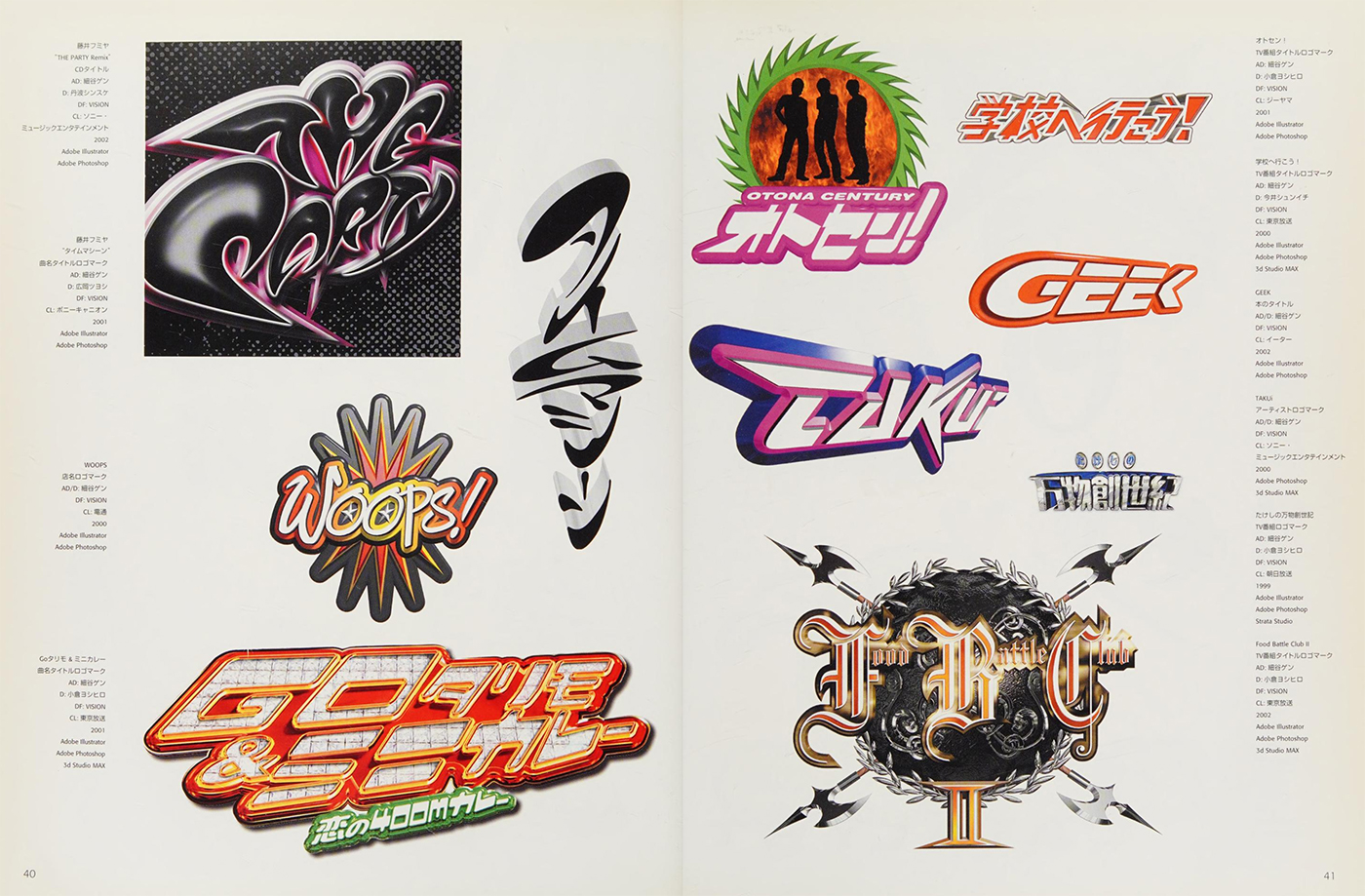
The designers who created game logos in the 90s were working with primitive tools by today's standards, but they were solving the same problems every business logo needs to solve. Technical constraints forced clarity of intention — and that's a lesson that doesn't expire.